



The Future of Coding Is Here-Best AI Coding Tools 2026
Remember when writing code meant hours of typing, Googling errors, and staring at a blinking cursor? Those days are quickly becoming a distant memory.
In 2026, AI coding tools have moved well beyond autocomplete. They now read your entire codebase, suggest architecture decisions, catch bugs before you run the code, and in some cases — write entire features from a single line of instruction. Whether you’re a beginner who’s never written a line of code or a senior developer working on enterprise software, there’s an AI tool built for exactly where you are.
Let’s break down what’s out there, what actually works, and which tool is right for you in Best AI Coding Tools 2026 article.
Why AI Coding Tools Are Exploding in 2026
The numbers are hard to ignore. According to a McKinsey study published in February 2026 — surveying over 4,500 developers across 150 enterprises — AI coding tools reduce time spent on routine coding tasks by an average of 46 percent. Code review cycles have shortened by 35 percent, and the time from feature request to production-ready code has dropped by 28 percent.
Even more striking? By early 2026, 51% of all code committed to GitHub was either generated or substantially assisted by AI. This isn’t a future trend — it’s already your competition’s reality.
Gartner reports that 78% of Fortune 500 companies now have some form of AI-assisted development in production, up from just 42% in 2024. The shift has happened fast, and it’s not slowing down.

The Best AI Coding Tools in 2026 (Ranked)
1. Claude Code — Best for Complex, Large-Scale Projects
Claude Code has climbed to the top of most developer rankings in 2026. Powered by Anthropic’s Opus model, it scores 80.8% on SWE-bench Verified — the gold standard benchmark for real-world coding performance.
What sets it apart is its 1 million token context window, meaning it can read and understand your entire codebase at once — not just a single file. It plans, executes, refactors, and debugs across hundreds of files without losing track of what it’s doing. If you’re working on a large product, a complex API, or migrating legacy code, Claude Code is in a league of its own.
Best for: Teams building complex systems, large-scale refactors, production-grade development.
2. Cursor — Best AI-Powered IDE
If GitHub Copilot is a co-pilot, Cursor is the entire cockpit. With over 1 million active users, Cursor has become the go-to AI-native code editor for developers who want intelligence baked into every keystroke.
Its Composer mode lets you make multi-file edits with visual diffs. It routes tasks across multiple models — Claude, GPT, and others — depending on what the task needs. The result is an editor that adapts, not one that forces you to adapt to it.
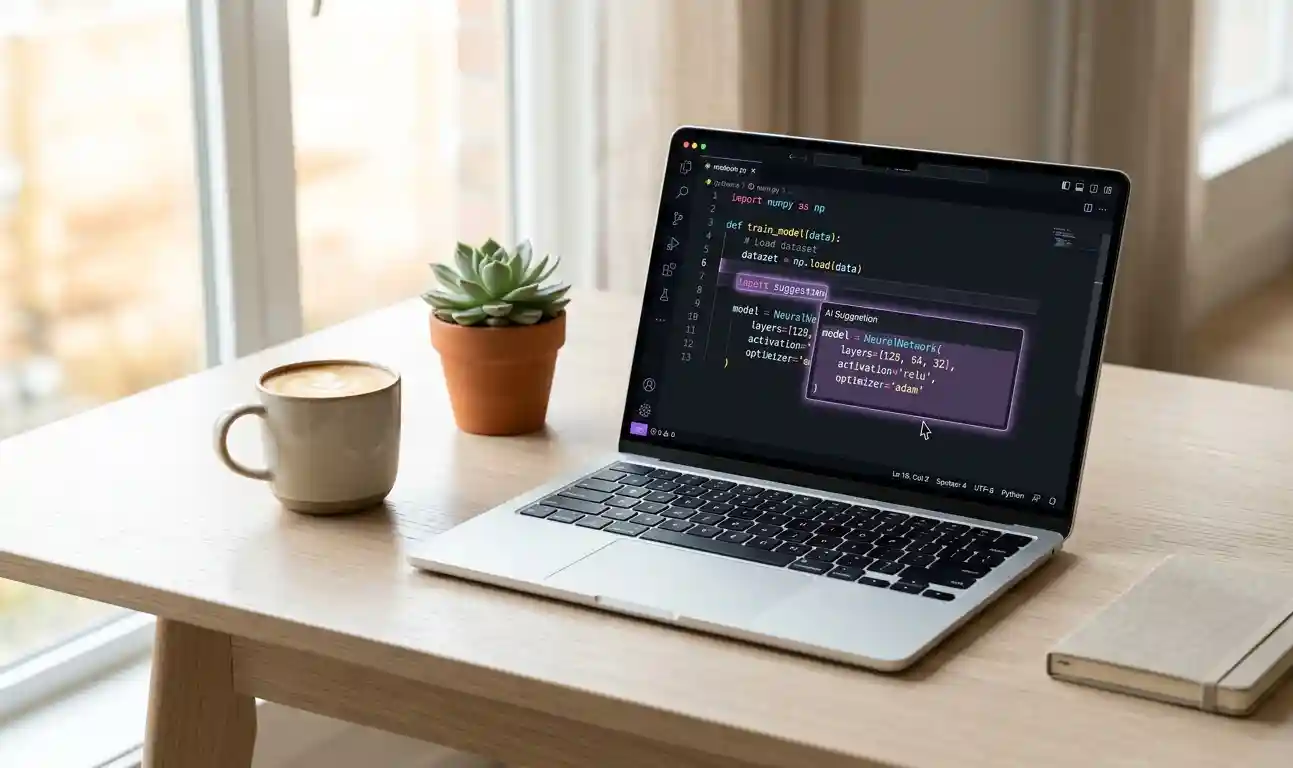
Best for: Developers who want a full IDE experience with deep AI integration.
3. GitHub Copilot — Best for Everyday Coding
GitHub Copilot remains the most widely adopted AI coding tool on the market, and for good reason. It works inside virtually every editor, supports every major programming language, and offers inline autocomplete that feels almost telepathic after a few hours of use.
Its Enterprise plan includes security guardrails, audit logging, and compliance features that make it the default choice for large organizations. JPMorgan Chase alone has over 60,000 developers using it.
Best for: Everyday development, teams needing a reliable and standardized solution.
4. Windsurf — Best Free Option
Formerly known as Codeium, Windsurf has quietly become one of the most powerful free options in the market. Its Cascade AI agent handles step-by-step code generation with built-in explanations — making it especially beginner-friendly. For enterprises, it offers FedRAMP compliance and on-premise deployment across 40+ IDE plugins.

Best for: Beginners getting started, enterprises with strict compliance needs.
5. Bolt.new — Best for Rapid Prototyping
Want to go from idea to working app in under an hour? Bolt.new is a browser-based coding tool with zero setup. Just describe what you want to build, and it handles library installation, file management, and code generation in one place. The code isn’t always production-ready, but for testing ideas fast, nothing beats it.
Best for: Founders, students, and non-technical users prototyping quickly.
What to Watch Out For
AI coding tools are powerful — but they’re not perfect. A joint Stanford and MIT study published in March 2026 found that 14.3% of AI-generated code snippets contained at least one security vulnerability, compared to 9.1% in human-written code. The most common issues included SQL injection, cross-site scripting, and hardcoded credentials.
The lesson isn’t “don’t use AI.” It’s “don’t use AI blindly.” Always review what your tool generates, especially when it touches databases, authentication, or user input. The best developers in 2026 aren’t those who code the most — they’re the ones who review and direct AI the smartest.
Which AI Coding Tool Should You Choose?
Here’s a quick guide:
- Building something complex and large? → Claude Code
- Want the best IDE experience? → Cursor
- Need something reliable your whole team already uses? → GitHub Copilot
- Just getting started or need it free? → Windsurf
- Want to prototype fast without installing anything? → Bolt.new
Most professional developers in 2026 aren’t picking just one. They use two to three tools — a terminal agent for complex tasks, an IDE extension for daily coding, and a browser tool for quick experiments.
Dont Miss-Mind-Blowing Innovations Await at the India AI Impact Summit 2026
The Bottom Line
AI coding tools are no longer a nice-to-have. They are the new baseline. The question in 2026 isn’t whether to use them — it’s which ones to use, and how to use them well.
Pick the right tool for your workflow, keep your engineering judgment sharp, and let AI handle the heavy lifting. That’s the formula for coding faster, shipping better, and staying ahead.
Read More-Best AI Tools for Your Indian Startup in 2026
Frequently Asked Questions (FAQ)
What is the best AI coding tool in 2026? Claude Code currently ranks #1 for complex, large-scale projects due to its 1M token context window and high benchmark scores. For everyday coding, GitHub Copilot remains the most widely used. The “best” tool depends on your specific workflow and needs.
Are AI coding tools free? Several tools offer free tiers. Windsurf (formerly Codeium), GitHub Copilot Free, and Bolt.new all provide usable free plans. Paid plans typically range from $10 to $60 per month depending on usage and features.
Can AI coding tools replace developers? No. AI tools amplify developer productivity — they don’t replace judgment, architecture skills, or the ability to understand what a system should do. Developers who use AI well outperform those who don’t. Developers who rely on AI without understanding it create buggy, insecure code.
Is AI-generated code safe? Not always. Research from Stanford and MIT in 2026 found that roughly 14% of AI-generated code contains security vulnerabilities. Always review generated code, especially anything touching databases, APIs, or user authentication.
What is vibe coding? Vibe coding — a term coined by AI researcher Andrej Karpathy — refers to building software by describing what you want in plain language and letting AI generate the code, without writing it yourself. It became a mainstream concept in 2025 and has evolved further into what experts now call “agentic engineering” in 2026.
Which AI coding tool is best for beginners? Windsurf and Bolt.new are the most beginner-friendly options. Windsurf explains code step-by-step, while Bolt.new requires zero setup and lets you build apps from a browser with plain English instructions.
Published by The Web Noise | thewebnoise.com Categories: Tech Vibes, Digital