

Why Free AI Image Generators Are Even More Powerful in 2026
Stop paying for stock photos. These free AI image generators create breathtaking visuals in seconds — no design degree required.
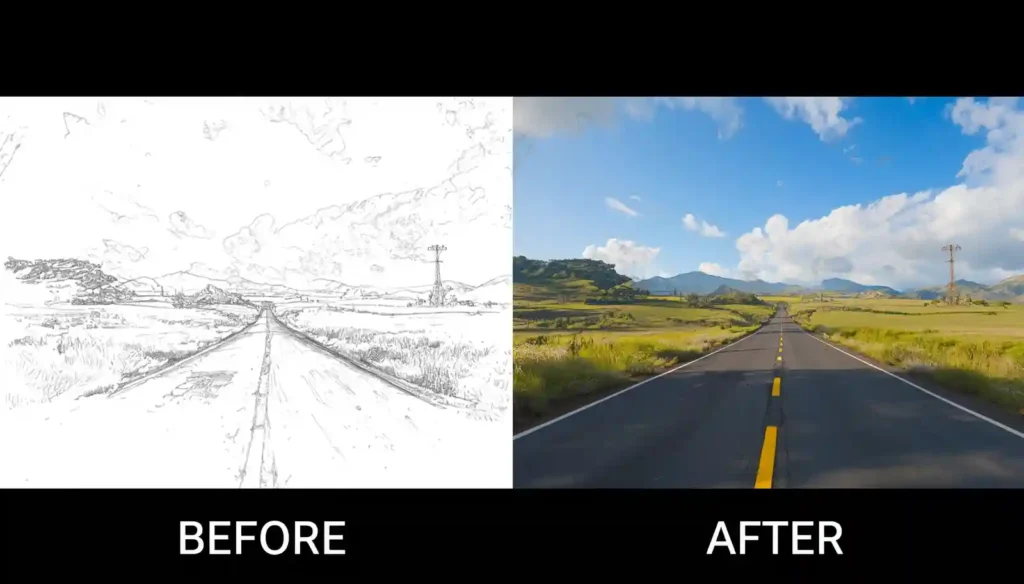
In 2026, AI image generation has entered a new era entirely. The gap between “free” and “paid” has never been smaller — top free tools now rival what premium subscriptions offered just two years ago. Text renders cleanly inside images. Hands look like actual hands. Photorealism is virtually indistinguishable from professional photography. And the speed? We’re talking 5–10 seconds per image.
The landscape has also shifted considerably. New contenders like Ideogram 3.0, Flux.1, and the newly opened Midjourney free web tier have shaken up the rankings. In this guide, we’ve tested the latest versions of every major platform and brought you the definitive list of the best free AI image generators in 2026. Let’s dive in.
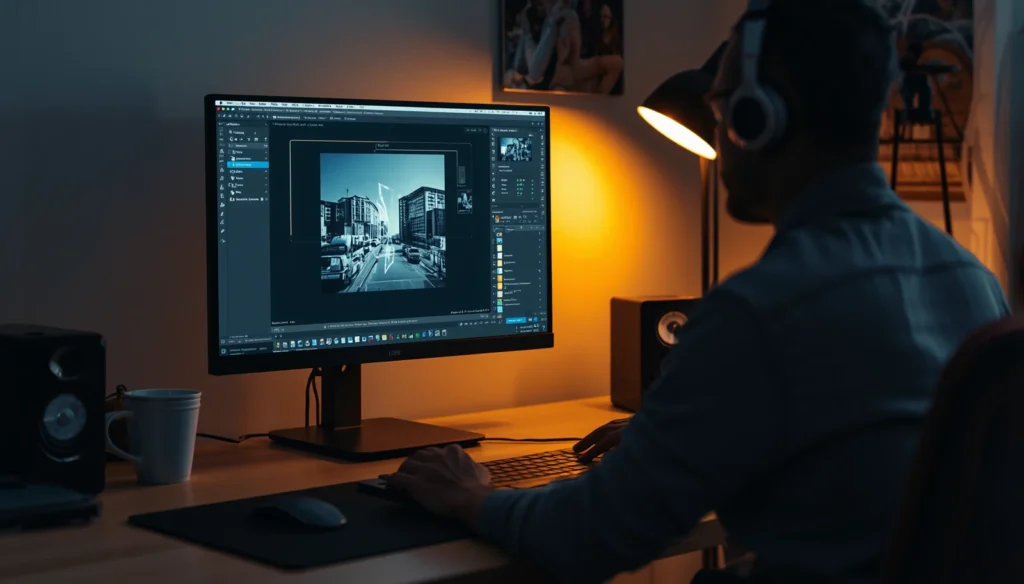
The visual content economy is booming. Bloggers, YouTubers, startup founders, and digital marketers all need high-quality visuals — fast and continuously. Professional photography and custom illustration still cost thousands. But in 2026, a well-crafted text prompt typed into a free AI tool produces magazine-quality images in under 10 seconds.
What’s changed in 2026 specifically? Three big things: text-in-image accuracy has finally been cracked (tools like Ideogram lead here), multi-subject consistency means your brand characters look the same across generations, and aspect ratio control is now standard across all tools — making it trivial to generate perfectly-sized assets for Instagram Reels, YouTube thumbnails, and website banners in one session.
Free AI image tools also democratize creativity at a global scale. A freelance blogger in Mumbai, a small business owner in Chennai, or a student in Delhi can now produce visuals that rival Fortune 500 marketing teams — completely free. That’s not just convenient; it’s transformative.
🏆 Top 7 Best AI Image Generators — Free in 2026
#1 Best Overall
Ideogram 3.0
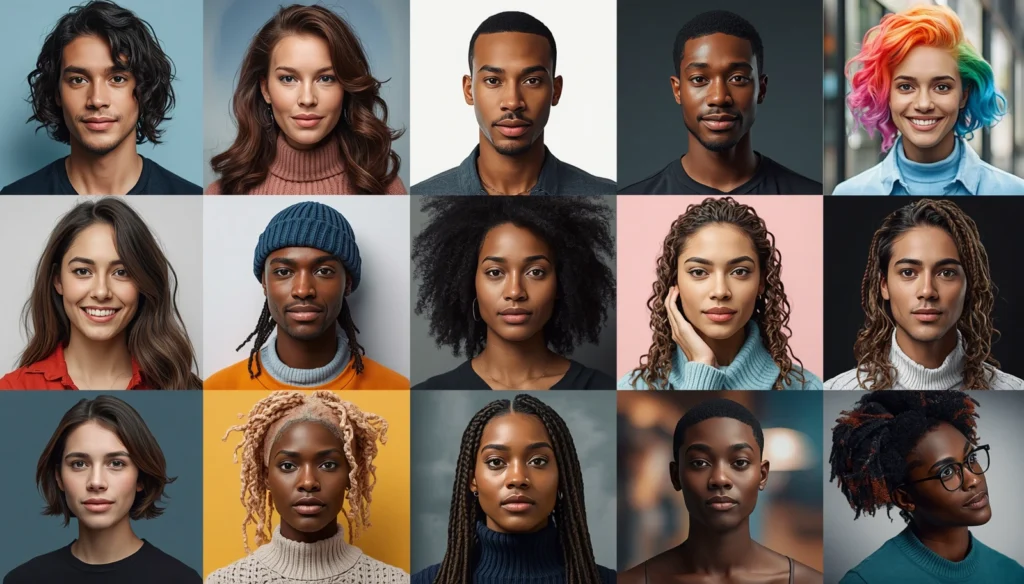
Ideogram 3.0 has stormed to the top of the rankings in 2026 and is now widely considered the best free AI image generator overall. Its breakthrough? It actually renders text correctly inside images — a longtime weakness of AI art tools. Need a poster with your brand name on it? A product label? A thumbnail with a readable headline? Ideogram does it with stunning accuracy.
Beyond text, the image quality itself is extraordinary — photorealistic portraits, detailed product shots, and expressive illustrations all look exceptional. The free tier gives you a generous daily credit allowance, and the interface is clean and beginner-friendly.
- Best text rendering of any free tool
- Exceptional photorealism
- Generous free daily credits
- Commercial use allowed
- Credits run out fast with heavy use
- Slower on complex prompts
- Requires account sign-up
#2 Best for Everyday Use
Microsoft Bing Image Creator (DALL·E 4)
Now quietly upgraded to power DALL·E 4, Bing Image Creator remains one of the most accessible and capable free AI image tools in 2026. Sign in with a Microsoft account, type your prompt, and get four stunning images in seconds — no setup, no credits to purchase, no subscriptions.
The boost system (fast-generation credits) refreshes weekly, and even without boosts, generation takes a bit longer rather than stopping entirely. Image quality has noticeably improved with the DALL·E 4 upgrade — especially for complex scenes and accurate human anatomy.
- Completely free, no card needed
- Upgraded DALL·E 4 quality
- Zero learning curve
- Commercial use allowed
- Weekly boost limit
- Requires a Microsoft account
- Limited style controls
Read Also: Free AI Tools for Students 2026: Study Smarter, Not Harder (Real Case Study)
#3 Best for Marketers
Adobe Firefly 3 (Free Tier)
Adobe Firefly 3 has matured into an indispensable tool for content creators who care about copyright. It’s trained exclusively on licensed and public-domain content — meaning every image you generate is commercially safe, with no legal grey areas. The 2026 free tier gives 25 generative credits monthly, with generous bonuses for new accounts.
What sets Firefly apart in 2026 is its deep integration with the Adobe suite — generative fill in Photoshop, background replacement in Express, and the new “Generative Match” feature that lets you generate images in the style of your own uploaded reference photos. For brand consistency, nothing comes close.
- 100% commercially safe training data
- Adobe ecosystem integration
- Generative Match (style transfer)
- Only 25 free credits/month
- Requires an Adobe account
- Conservative content filters
#4 Best Open-Source Quality
Flux.1 (via HuggingFace / fal.ai)
Flux.1 by Black Forest Labs has become the open-source gold standard for AI image quality in 2026, surpassing Stable Diffusion in both realism and prompt adherence. The “Flux.1 [schnell]” variant is available for free on HuggingFace Spaces and fal.ai — no installation required, just open in a browser and start generating.
The images it produces are frankly jaw-dropping: accurate human anatomy, photographic lighting, complex textures. For anyone who wants Midjourney-level quality without the subscription, Flux.1 free tiers are the answer in 2026.
Flux.1 (fal.ai)
- Midjourney-rivalling quality for free
- No installation needed (browser-based)
- Open-source, no vendor lock-in
- Queue waits on free tiers
- Multiple UI options can confuse beginners
- No built-in editing tools
#5 Best for Artists & Creators
Leonardo.Ai (2026 Edition)
Leonardo.Ai continues to be a standout in 2026 with 150 free tokens refreshed daily — more than enough for consistent creative use. It has doubled down on its strengths: game art, concept art, anime, and stylised illustration remain best in class. New in 2026 is the “Motion” feature for generating short animated clips from still images, available even on the free tier.
The real-time generation canvas is addictively fast — sketch rough shapes and watch Flux-powered magic appear instantly. For artists, illustrators, and game developers, Leonardo remains the most feature-rich free creative studio available.
Leonardo.Ai
- 150 free tokens daily
- Motion/animation on free tier
- Real-time generation canvas
- Tokens don’t roll over
- Watermarks on some outputs
- Heavy UI can feel overwhelming
#6 Best from Google
Google ImageFX (Imagen 4)
Google’s ImageFX was quietly upgraded to Imagen 4 in early 2026, bringing a significant leap in photorealism, detail, and natural language understanding. Available at labs. Google with just a Google account, it excels at producing clean, professional-looking images ideal for business and editorial use.
Imagen 4 shows particular strength with architectural photography, food photography, and nature scenes. Its prompt understanding is among the best of any free tool — it actually does what you say, rather than approximating it.
Google ImageFX
- Free with Google account
- Outstanding photorealism (Imagen 4)
- Excellent prompt accuracy
- Strict content policy
- Limited artistic style control
- Commercial use terms unclear
#7 Honourable Mention
Canva AI (Magic Media Pro — Free Tier)
Canva’s Magic Media has been significantly upgraded in 2026 with a new free-tier allowance of 50 monthly generations (up from the old lifetime limit). The real value here is the seamless workflow: generate an image and drop it straight into a designed Instagram post, YouTube thumbnail, or presentation — no switching apps or downloading files.
Quality has improved too, now powered by a Flux-based backend. If you already live in Canva for your design work, Magic Media is the obvious choice for AI-generated visuals.
Canva Magic Media
- 50 free generations/month
- Integrated design workflow
- Instantly resize for any platform
- Requires a Canva account
- Not the highest quality standalone
- Best value only within Canva
📊 Quick Comparison Table
| Tool | Cost | Quality | Commercial Use | Ease of Use | Best For |
|---|---|---|---|---|---|
| Ideogram 3.0 | Free tier | ⭐⭐⭐⭐⭐ | ✔ Yes | ⭐⭐⭐⭐⭐ | Text-in-image, everyone |
| Bing (DALL·E 4) | Free | ⭐⭐⭐⭐⭐ | ✔ Yes | ⭐⭐⭐⭐⭐ | Beginners |
| Adobe Firefly 3 | 25 credits/mo | ⭐⭐⭐⭐½ | ✔ Yes (safest) | ⭐⭐⭐⭐ | Marketers |
| Flux.1 (fal.ai) | Free (queued) | ⭐⭐⭐⭐⭐ | ✔ Yes | ⭐⭐⭐ | Quality seekers |
| Leonardo.Ai | 150 tokens/day | ⭐⭐⭐⭐½ | ✔ Mostly | ⭐⭐⭐⭐ | Artists, game devs |
| Google ImageFX | Free | ⭐⭐⭐⭐½ | ✗ Limited | ⭐⭐⭐⭐⭐ | Google users |
| Canva Magic Media | 50/month | ⭐⭐⭐⭐ | ✔ Yes | ⭐⭐⭐⭐⭐ | Social media creators |
💡 Tips to Get the Best Results from Free AI Image Generators

Even the best tool will produce mediocre results with a weak prompt. Here’s how to craft prompts that actually work:
1. Be Descriptive and Specific
Don’t just type “a dog.” Instead, try: “A golden retriever puppy sitting in a sunny wheat field, bokeh background, golden hour lighting, photorealistic, 4K.” The more detail you provide — mood, lighting, style, camera angle — the better your output.
2. Include Art Style References
Phrases like “in the style of impressionism,” “cinematic lighting,” “concept art,” “watercolour illustration,” or “3D render” dramatically shift the aesthetic. Experiment freely.
3. Use Negative Prompts (where available)
Tools like Stable Diffusion and Leonardo.Ai allow negative prompts — things you don’t want. Adding “blurry, low quality, distorted hands, watermark” to your negative prompt eliminates common AI artefacts.
4. Regenerate and Iterate
Don’t settle for the first batch. Regenerate several times, tweak one variable at a time, and save the version you love. Most free tools give you multiple outputs per generation — use them all.
🚀 Pro Tip: The 2026 Free Tool Stack
Use Ideogram 3.0 when your image needs text on it (logos, thumbnails, posters). Use Flux.1 on fal.ai for pure photorealistic quality with no account needed. Import your favourite result into Canva to resize, brand, and publish across platforms. Three free tools — one professional content pipeline.
Final Verdict: Which Free AI Image Generator Should You Use in 2026?
If you only try one tool, start with Ideogram 3.0 — it’s the most well-rounded free AI image generator in 2026, with best-in-class text rendering and excellent overall image quality. For pure photorealism, Flux.1 via fal.ai is extraordinary. For commercially safe images with zero legal risk, Adobe Firefly 3 is the professional choice.
The most exciting thing about the 2026 landscape? You genuinely don’t need to pay for any of this. The free tiers of these tools are better than the paid tiers were just two years ago. Bookmark this guide, pick your starting point, and watch your content quality skyrocket — completely free.